
480 ready pages, per language
60 website templates, ready to use
Choose your sector, open the demo, then install the template in one click from your admin. The AI assistant can then write all the text for your organization.
NGOs and nonprofits
6 templates · 8 pages each · French and English

Churches and faith communities
6 templates · 8 pages each · French and English

Schools and universities
6 templates · 8 pages each · French and English

Government and municipalities
6 templates · 8 pages each · French and English

Hospitals and clinics
6 templates · 8 pages each · French and English

Tech and digital agencies
6 templates · 8 pages each · French and English

Retail and shops
6 templates · 8 pages each · French and English

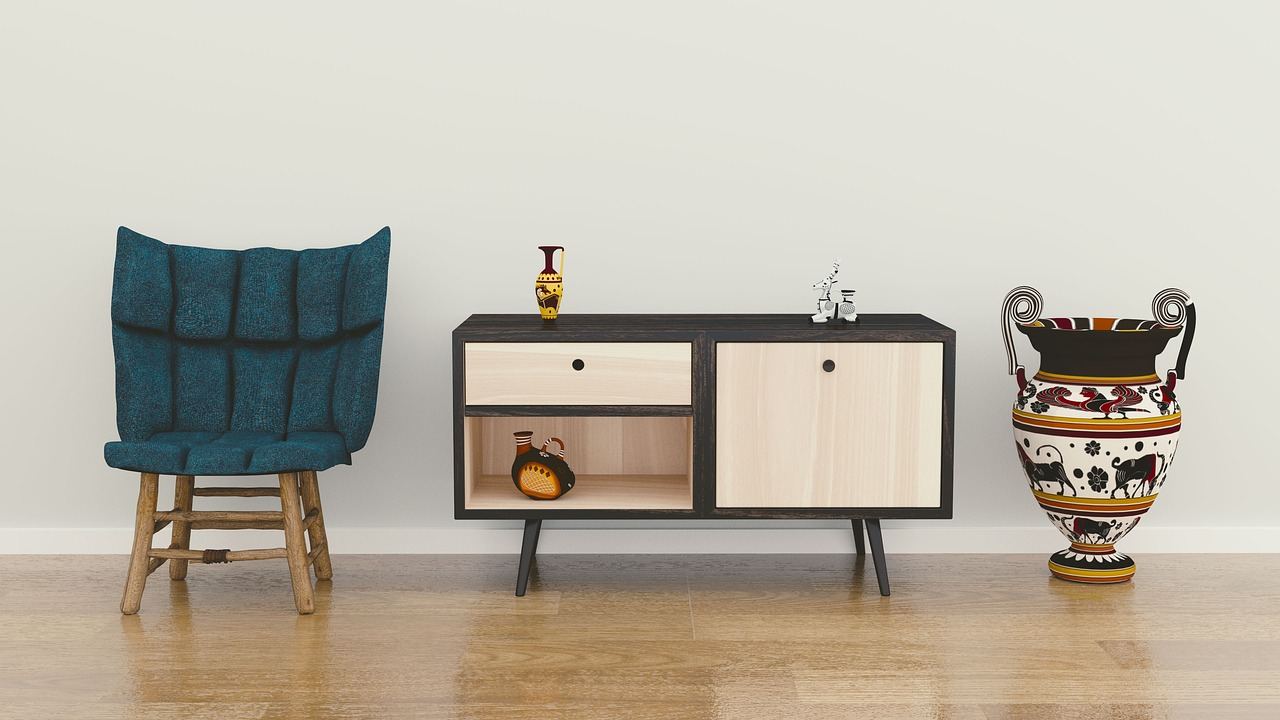
Art and decoration
6 templates · 8 pages each · French and English
Restaurant and hospitality
6 templates · 8 pages each · French and English

Professional services firms
6 templates · 8 pages each · French and English

How it works
Using a template
1
Install GeniusPress
On shared hosting, a server or locally.
2
Open “Templates”
In the admin, answer the questionnaire or browse the templates.
3
Install in one click
Choose the languages; pages, menus, colors and fonts are set up.
4
Customize
Let the AI write, or edit everything yourself in the builder.
Photos: Pixabay, under the Pixabay license (free to use, including commercially). Photographers are credited in each template.
Ready to build your website?
Install GeniusPress, pick a template and publish today.